Create Your Account
- Visit DocVision
- Sign up with your email or Google account
- Verify your email address
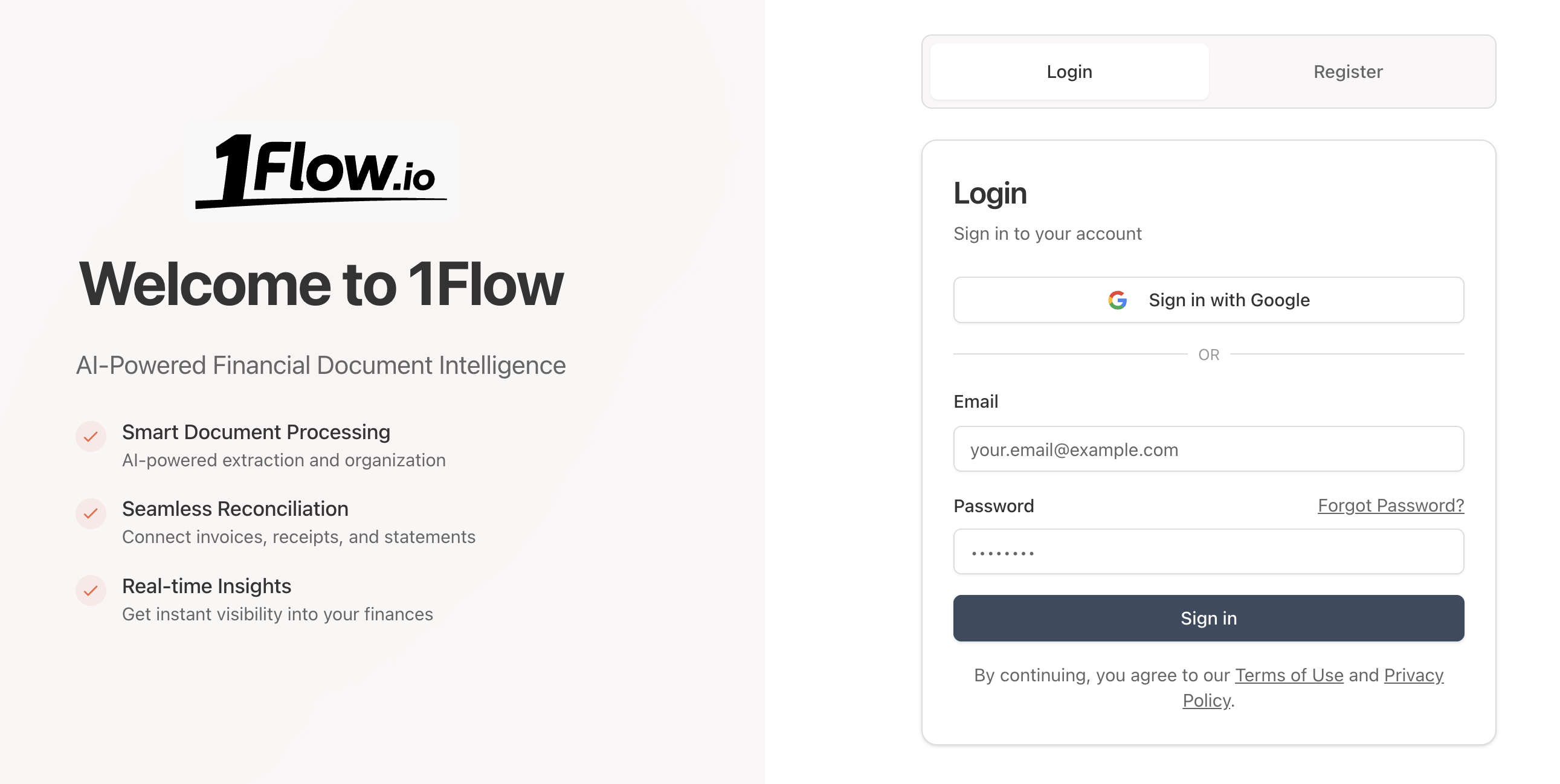
Sign up NOW to DocVision and get $5 in free credits.
Create an Organization (Optional)
Data in DocVision is organized into organizations. A default organization is automatically created when you sign up, so you can start using the system immediately.
You can create additional organizations to better organize your data, team members, and billing:
- Click Create Organization in the dashboard
- Enter your organization name
- Choose your preferred settings
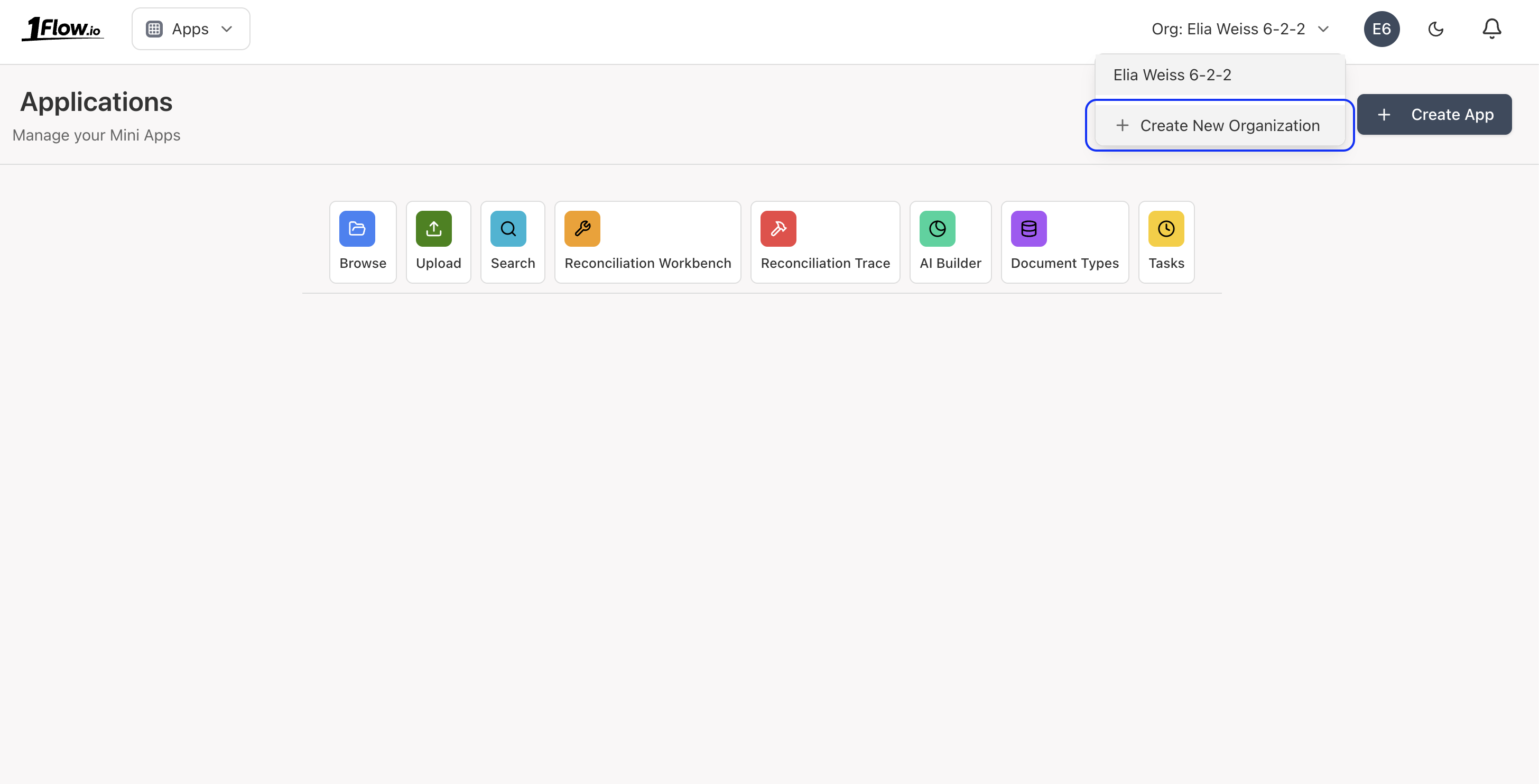
Billing is per organization.
Only the first organization gets $5 in free credits.
Create an Extraction Template
When you create a new Organization, you will be prompted to select Extractions Template.
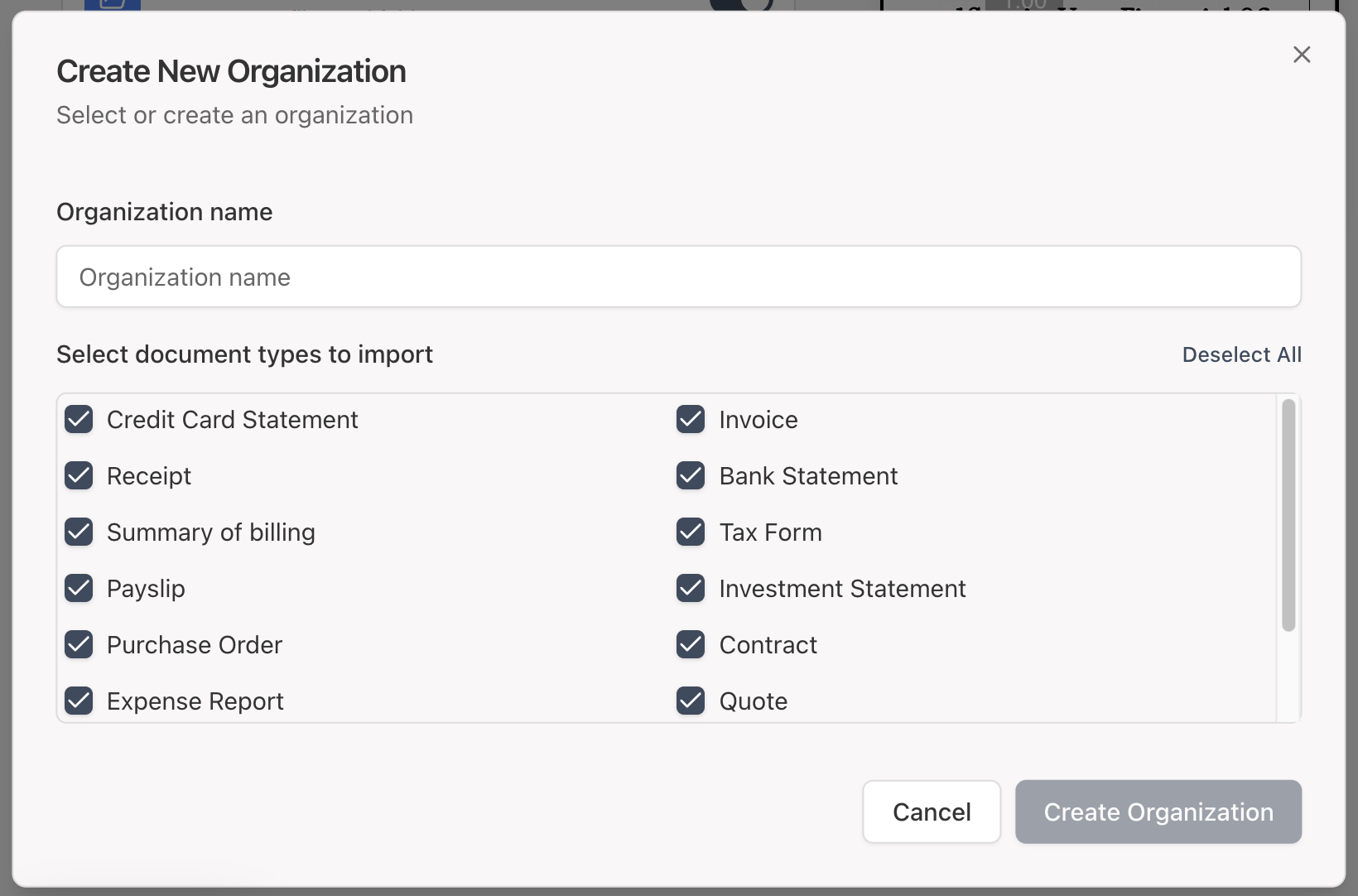
You can create/remove/edit an extraction template at any time:
- Click Extraction Templates in the Home dashboard
- Click Create Template
- Select an existing template or create a new one
Create a new template by clicking Create New Type:
- Enter a Display Name
- Enter a prompt to guide the AI on how to create the template
- Upload sample documents to automatically generate the schema
- Click Create
Start Uploading Documents
You can quickly upload documents using the Upload section:
- Click Files & Folders in the Home dashboard
- Drag and drop or select your document file
- A progress bar will appear as the system extracts data from the document
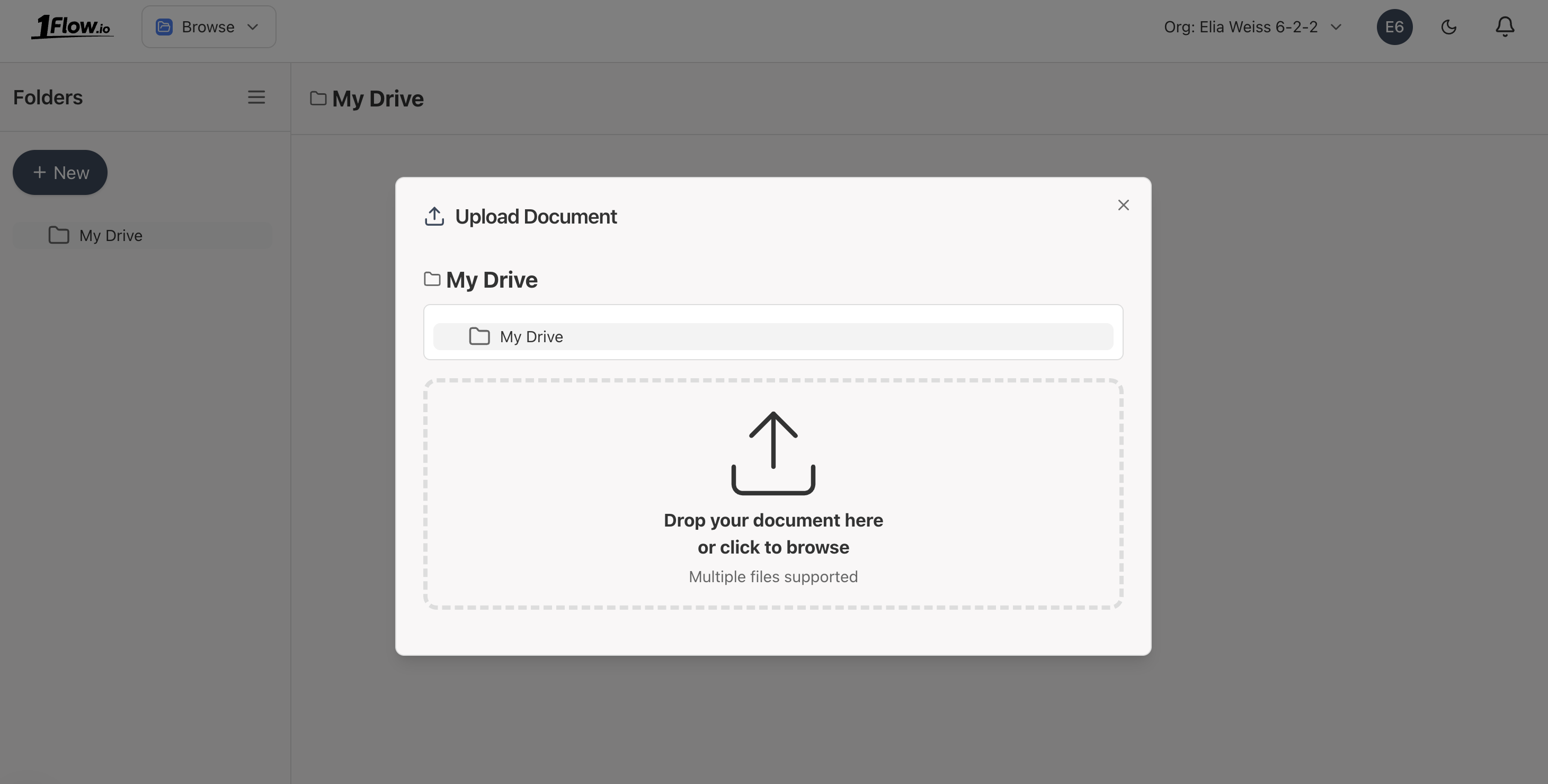
The extraction process is powered by AI and can take up to a minute. It consists of 3 steps:
- Initial classification and basic extraction (data can be overridden by later extraction)
- Detailed extraction of the document
- Indexing the document for search
What's Next?
- Upload Documents - Learn about the upload process and supported file types
- Extraction Templates - Define custom extraction schemas
- Email Upload - Send documents via email for automatic processing
- Upload API - Programmatically upload documents via API
- API Overview - Explore all integration methods
- FAQ - Common questions answered